You ask, aila handles it.
Researches, finds options that fit you, remembers your preferences, reminds you on time, makes the call when needed and gets the job done.
Access opens with approval · have an invite code? Start now

Say it, consider it done.
Calls and books.
Books the table.
Plans your day.
Collects price and availability.
Gathers your friends.
Passes on your message.
“Book a haircut and beard at Mavra Barber for Saturday 11:00.”
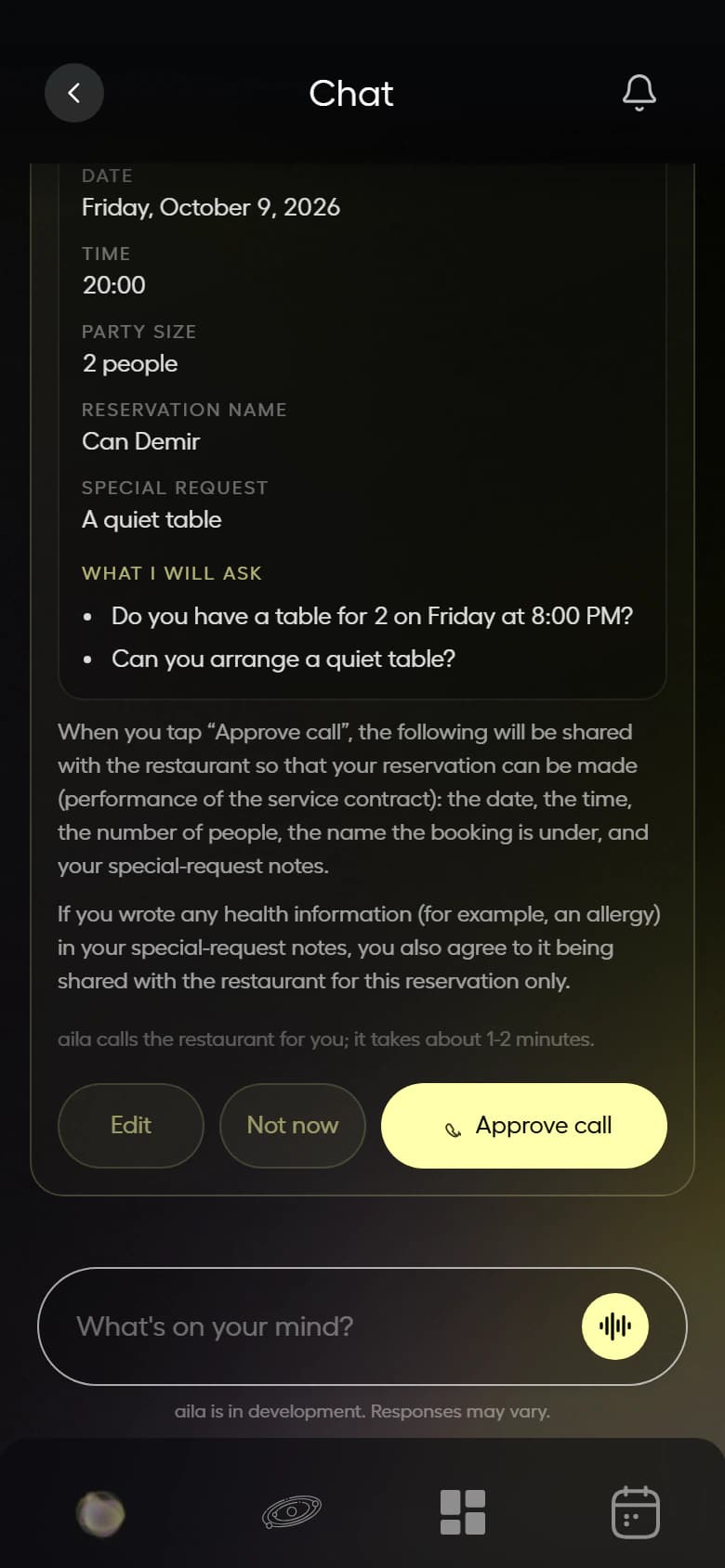
Prepares the card; when you tap “Approve call”, it calls the barber.
Hi, this is aila, Can’s AI assistant. Could we book Saturday at 11:00?
11:00 is full, 11:30 works.
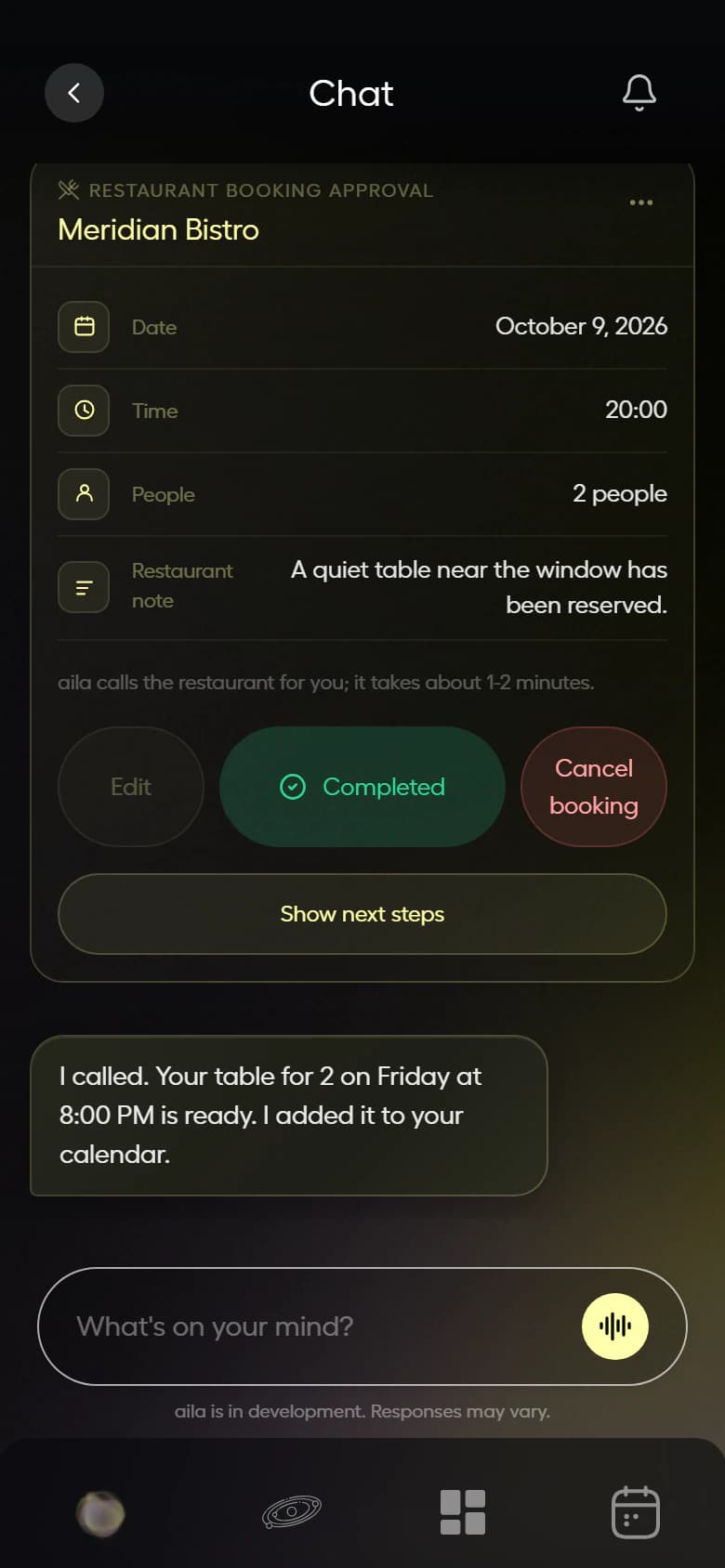
Result: 11:00 was full, 11:30 confirmed. Added to your calendar.
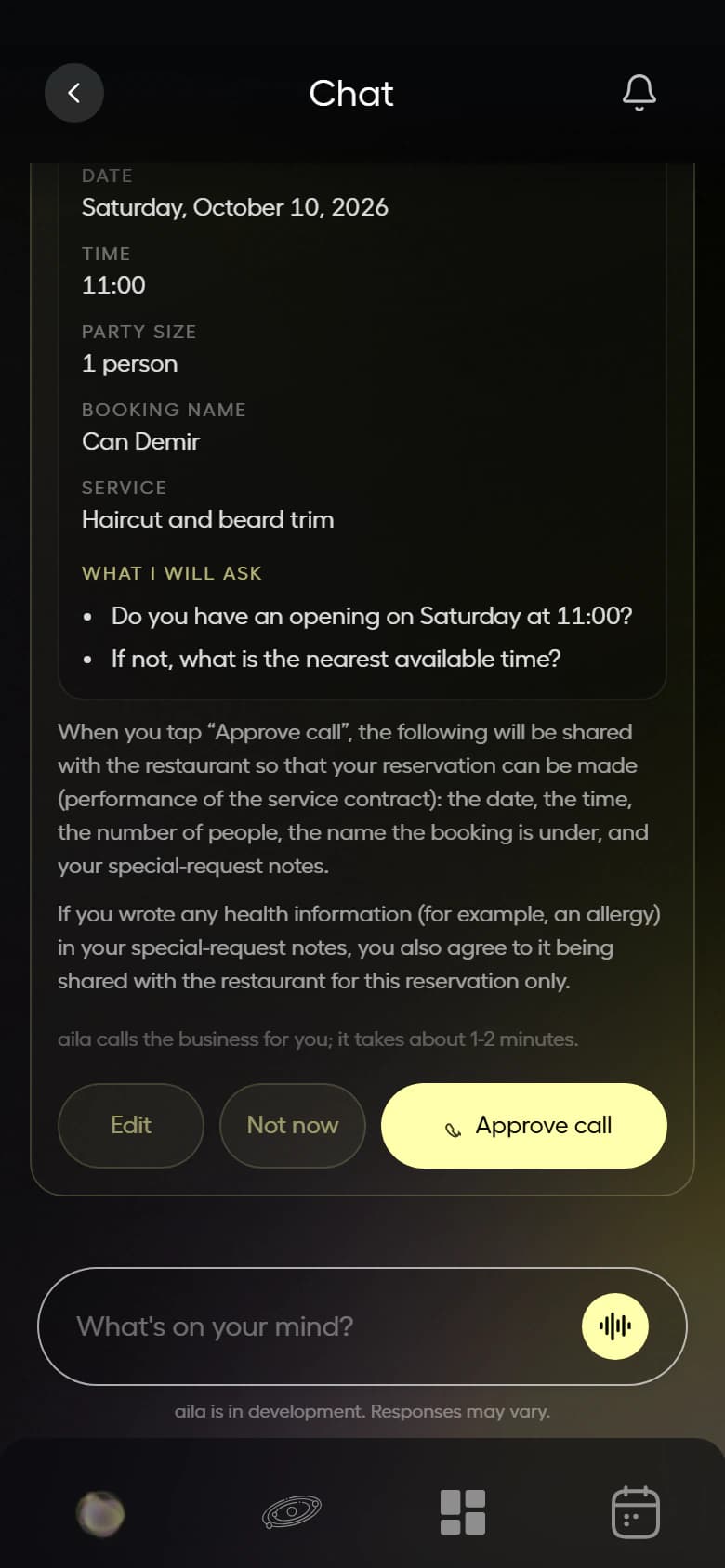
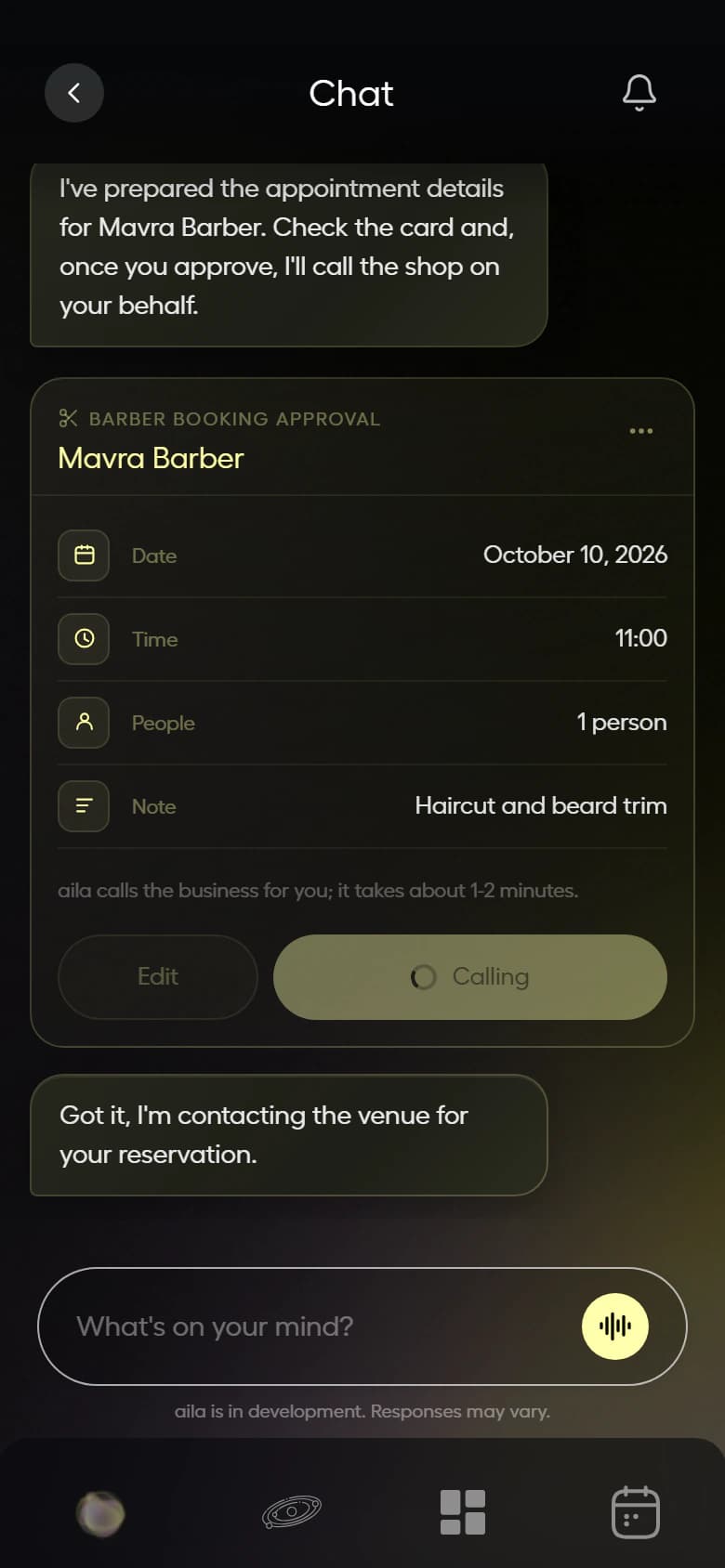
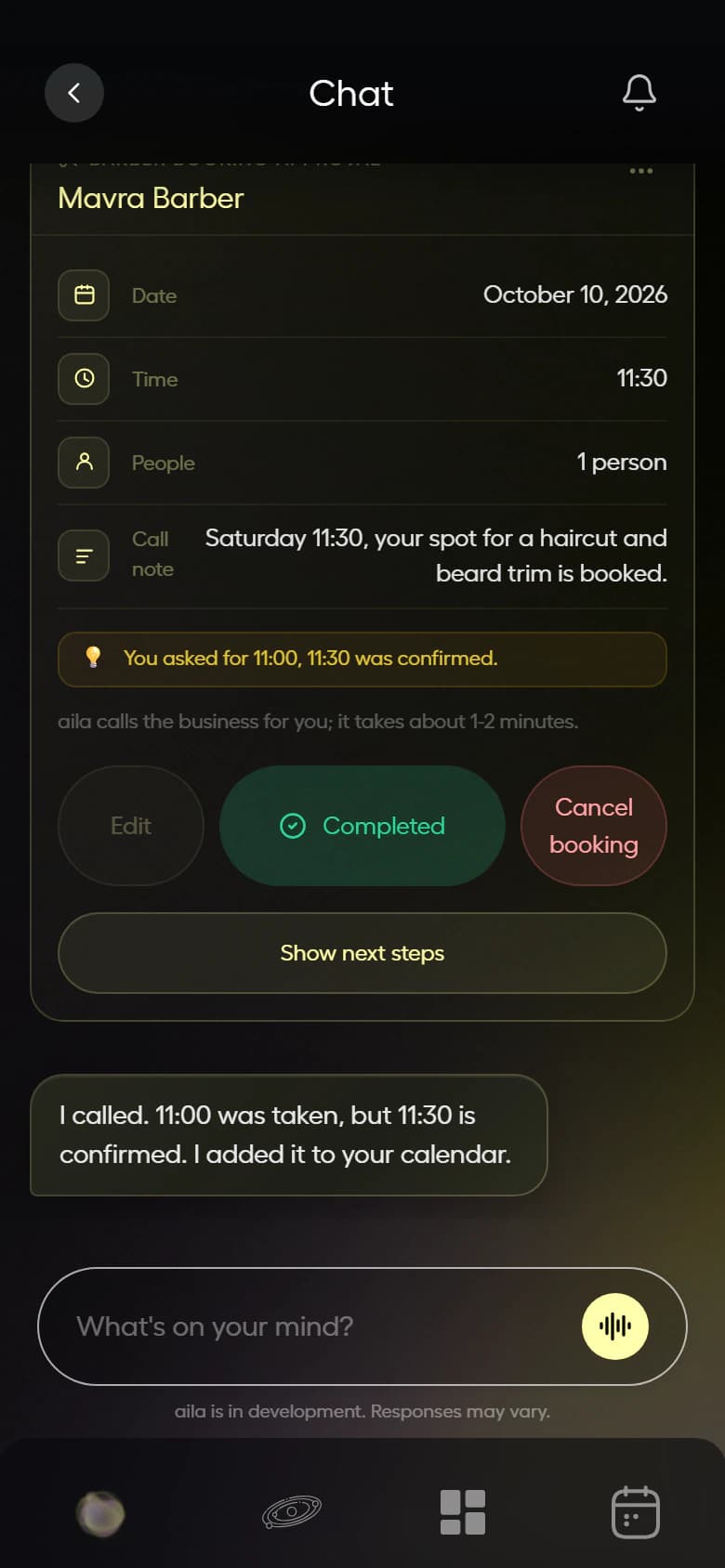
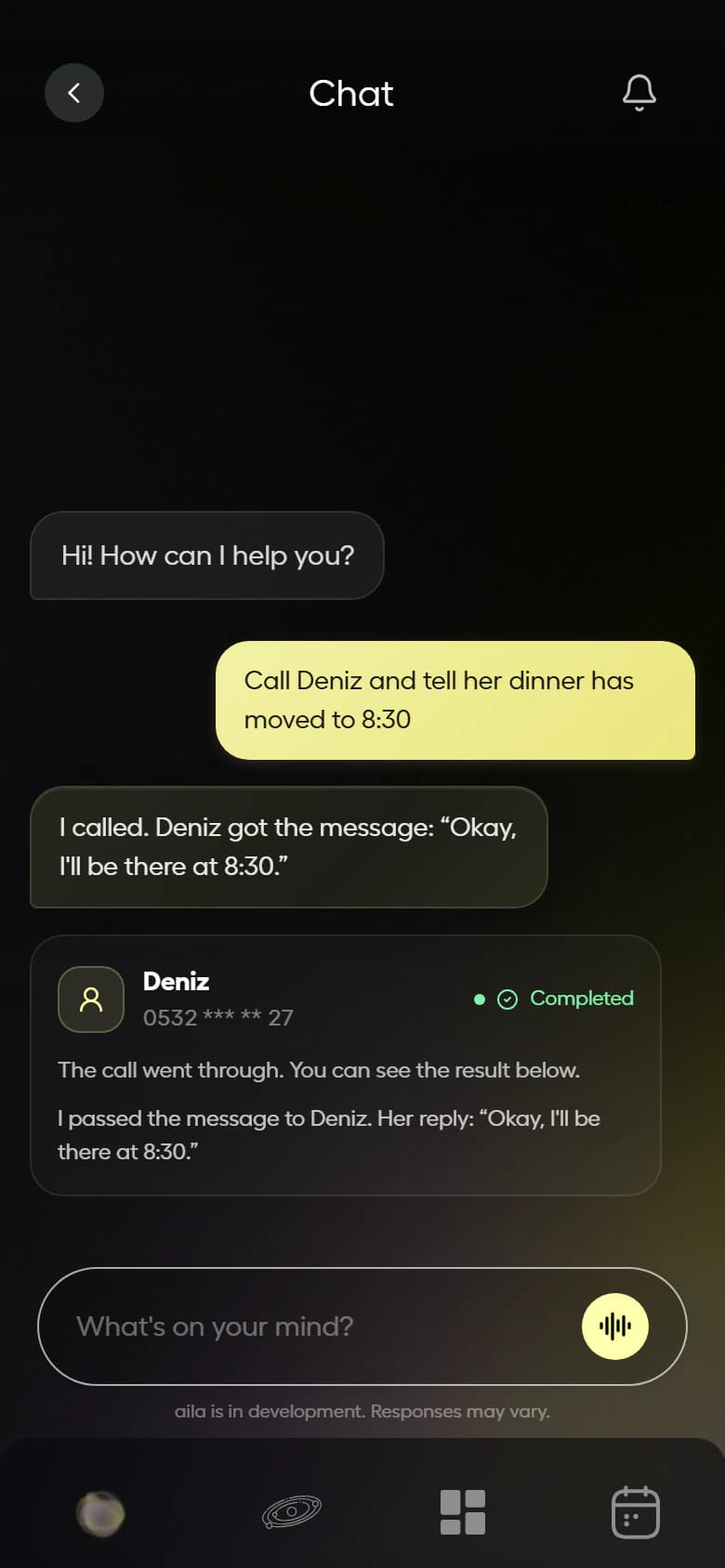
You say one sentence, aila does the rest.
From restaurants to barbers, drivers to couriers. Tap an example or write to aila yourself; it calls, brings the quote, you approve.
Ask for something and watch aila handle it here.
You see the card before any call; no quote is final without your OK. Prices are examples.
It builds your day for you.
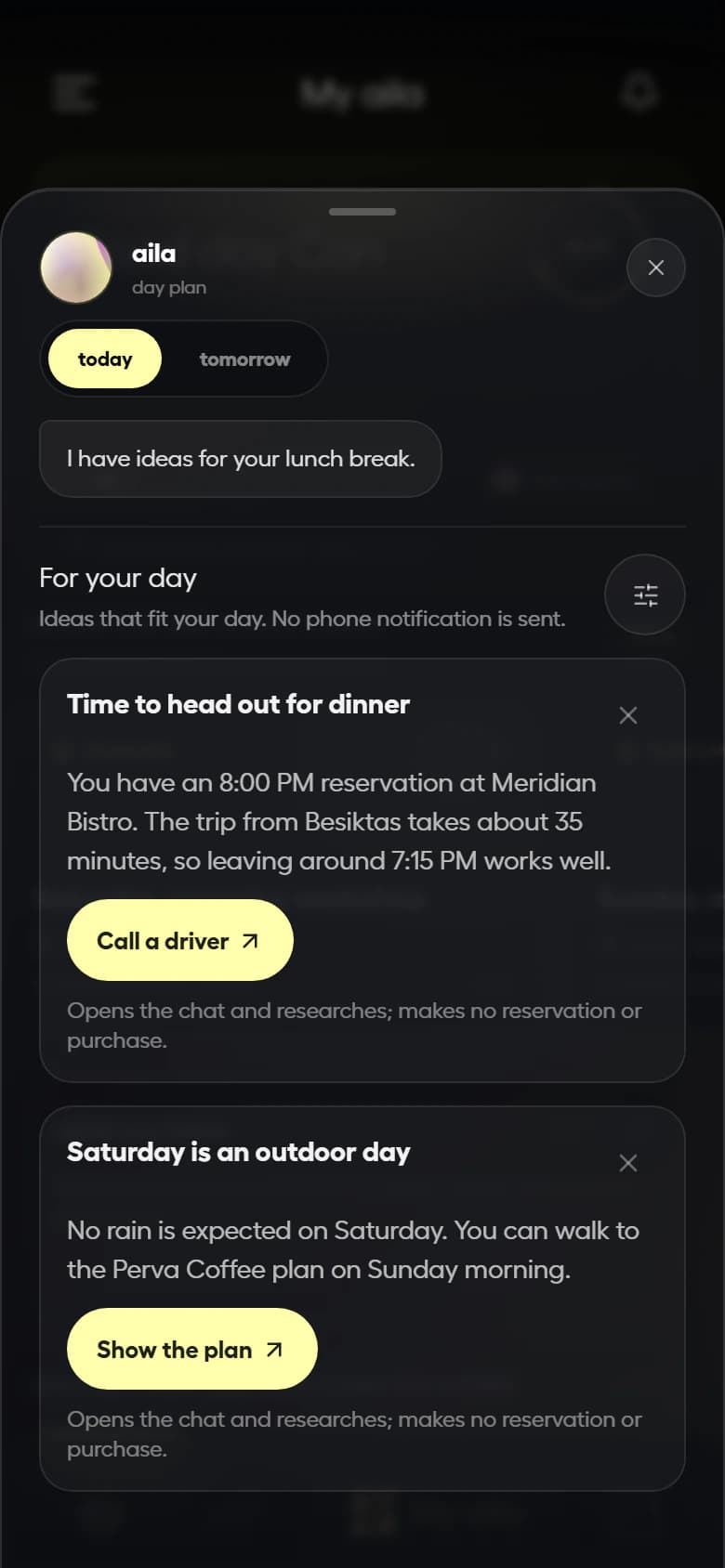
Open it in the morning: weather, your plan for the day, new places nearby and what your friends are up to, in one feed. aila learns what to put first from you.
- Weather and plans
- New openings
- Friends’ moves
- Picked for you
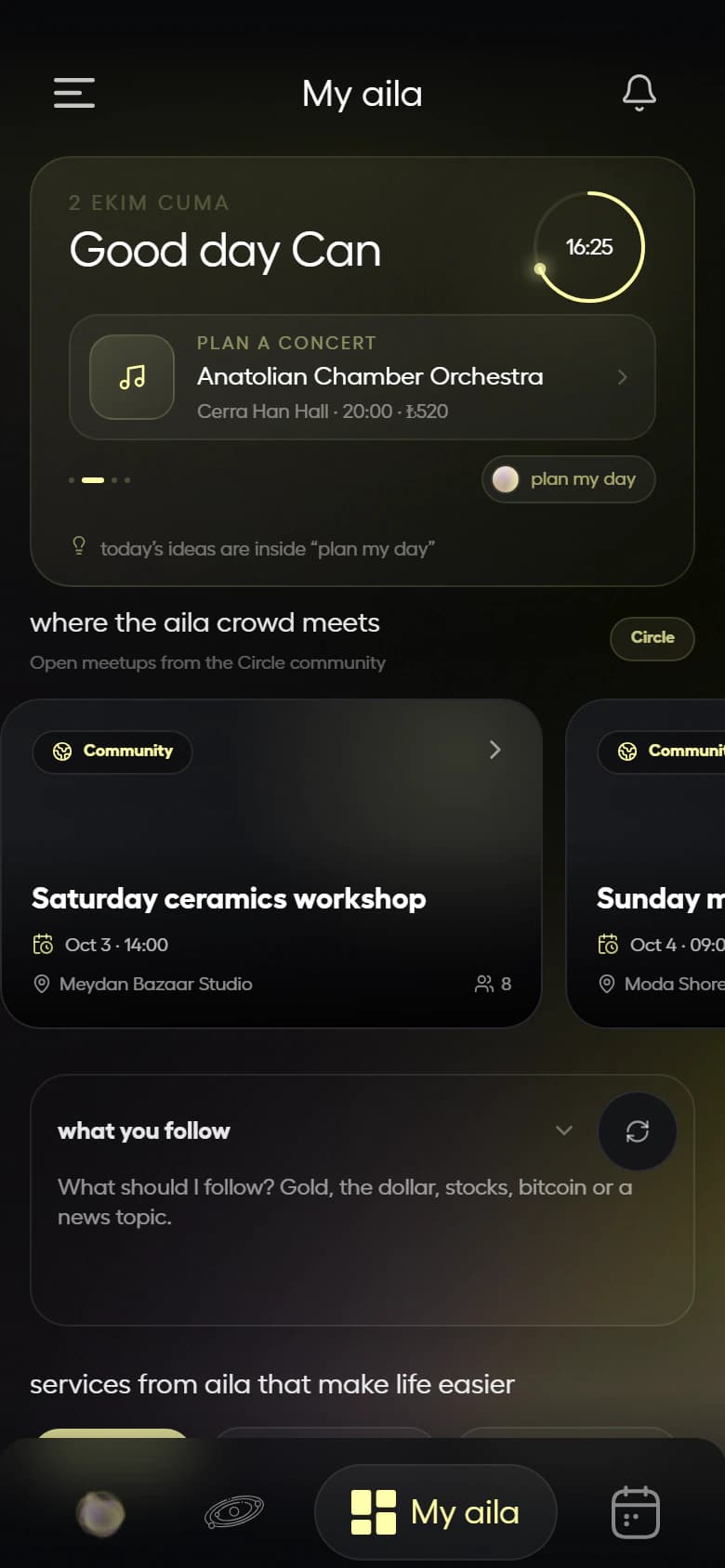
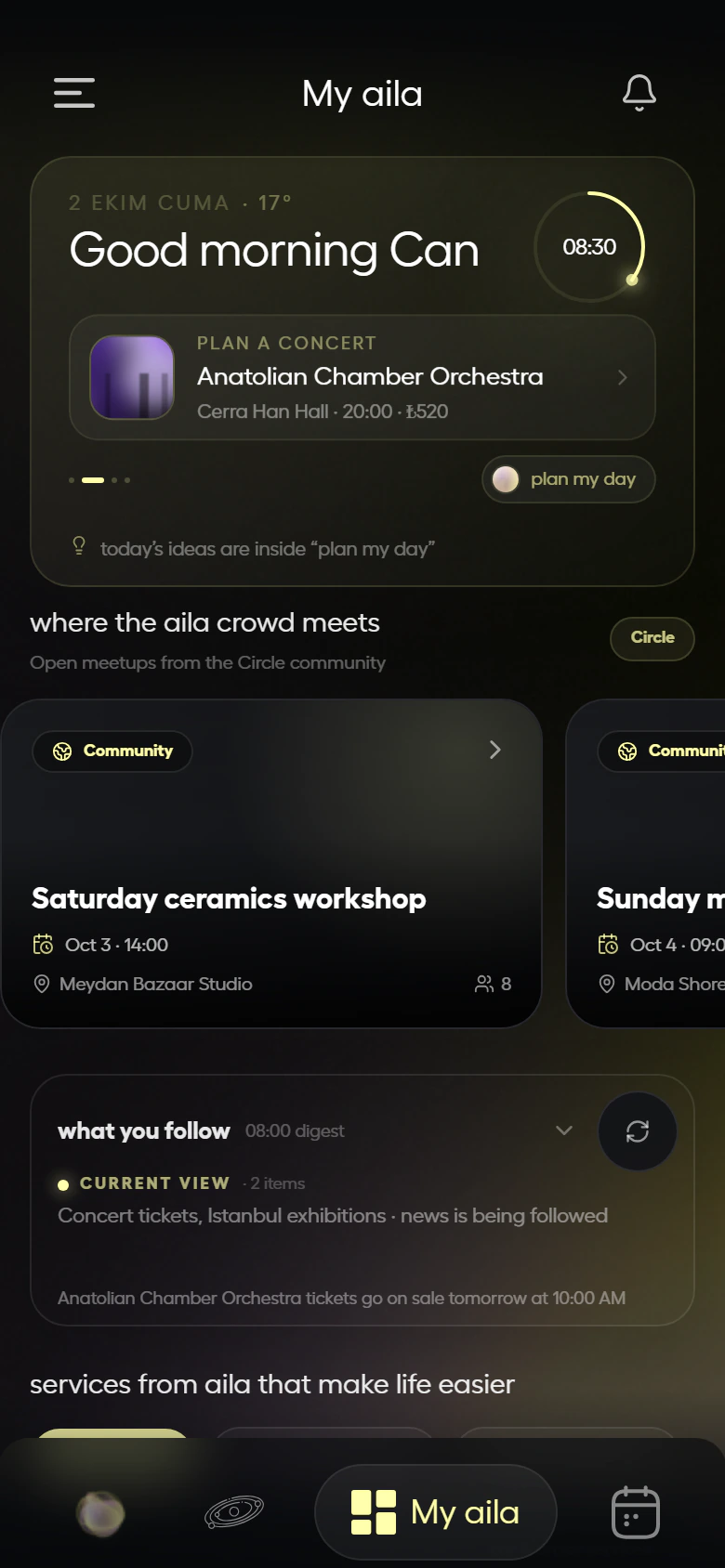
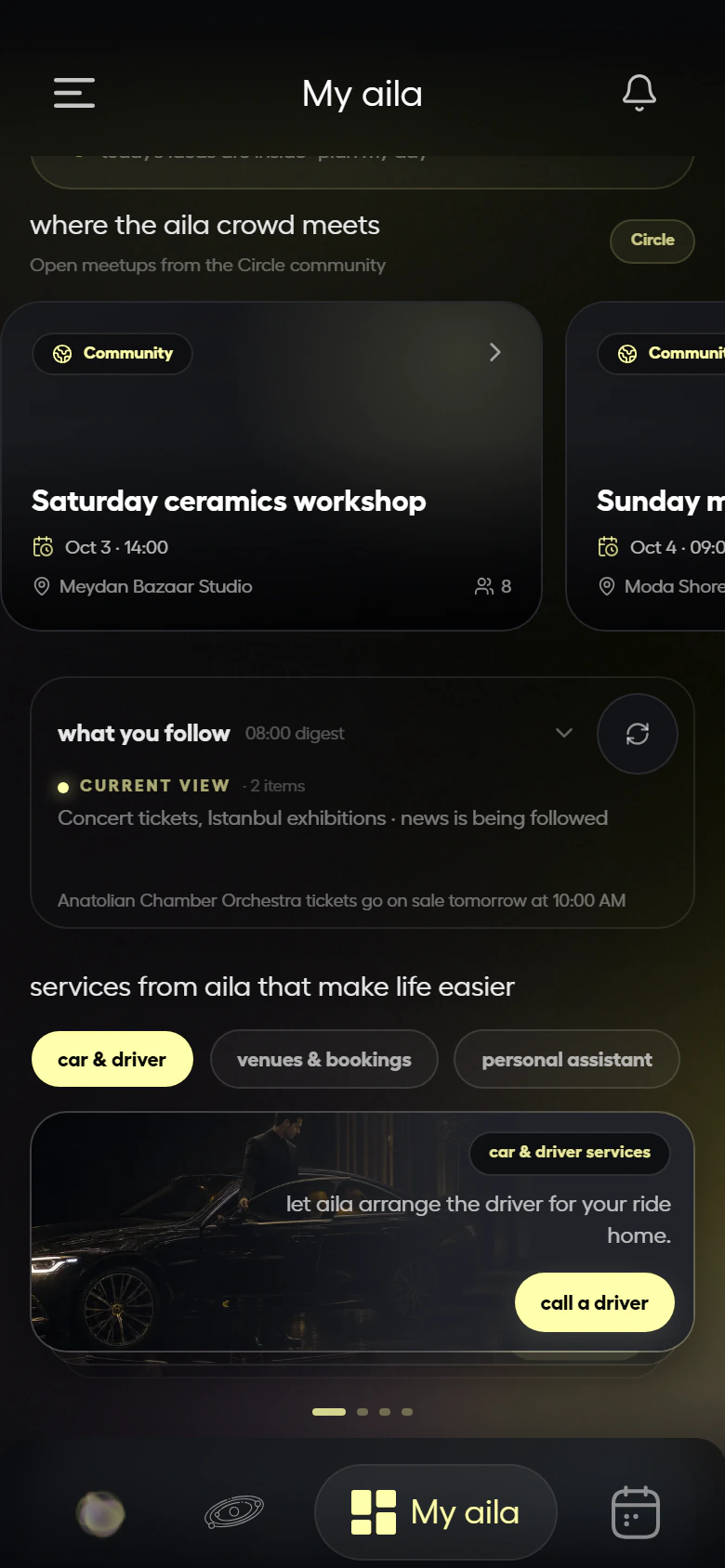
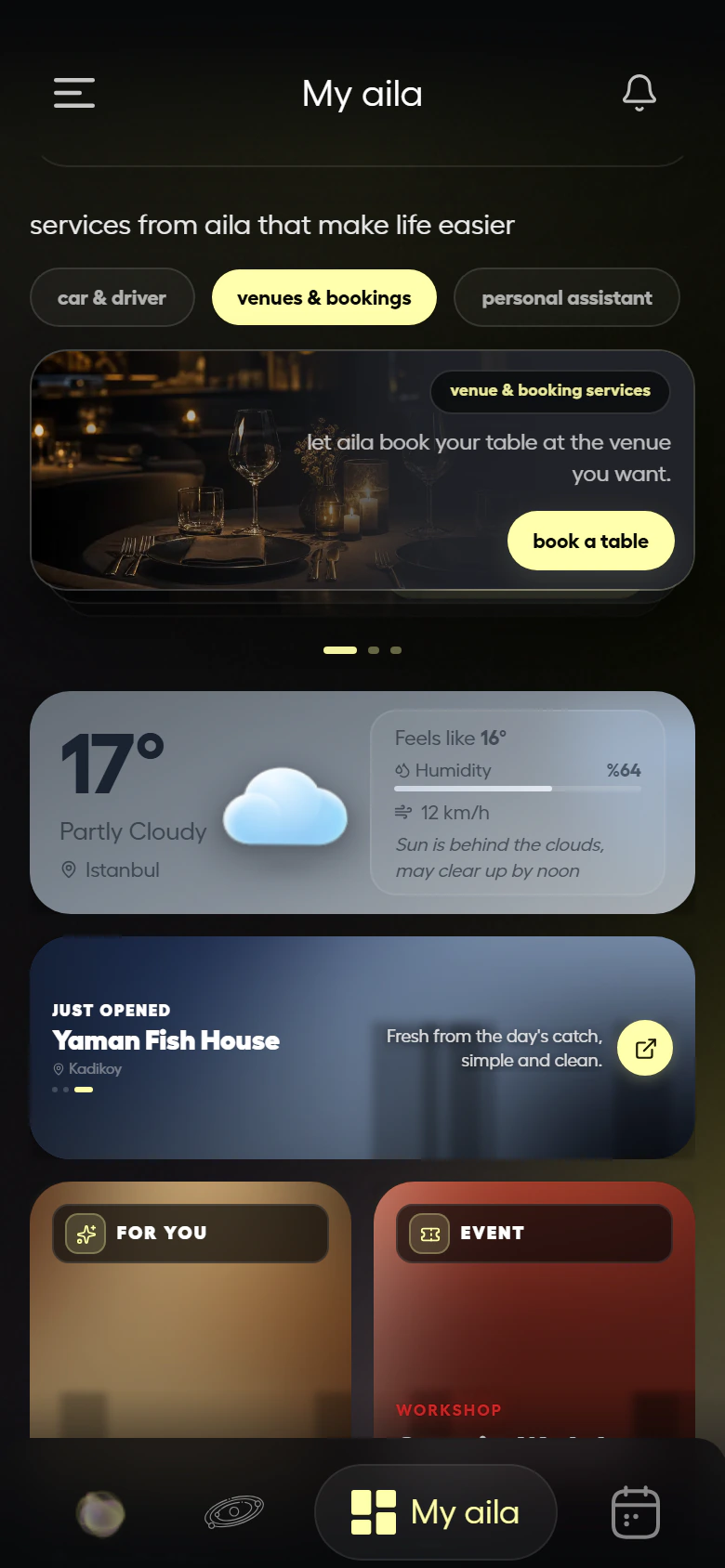
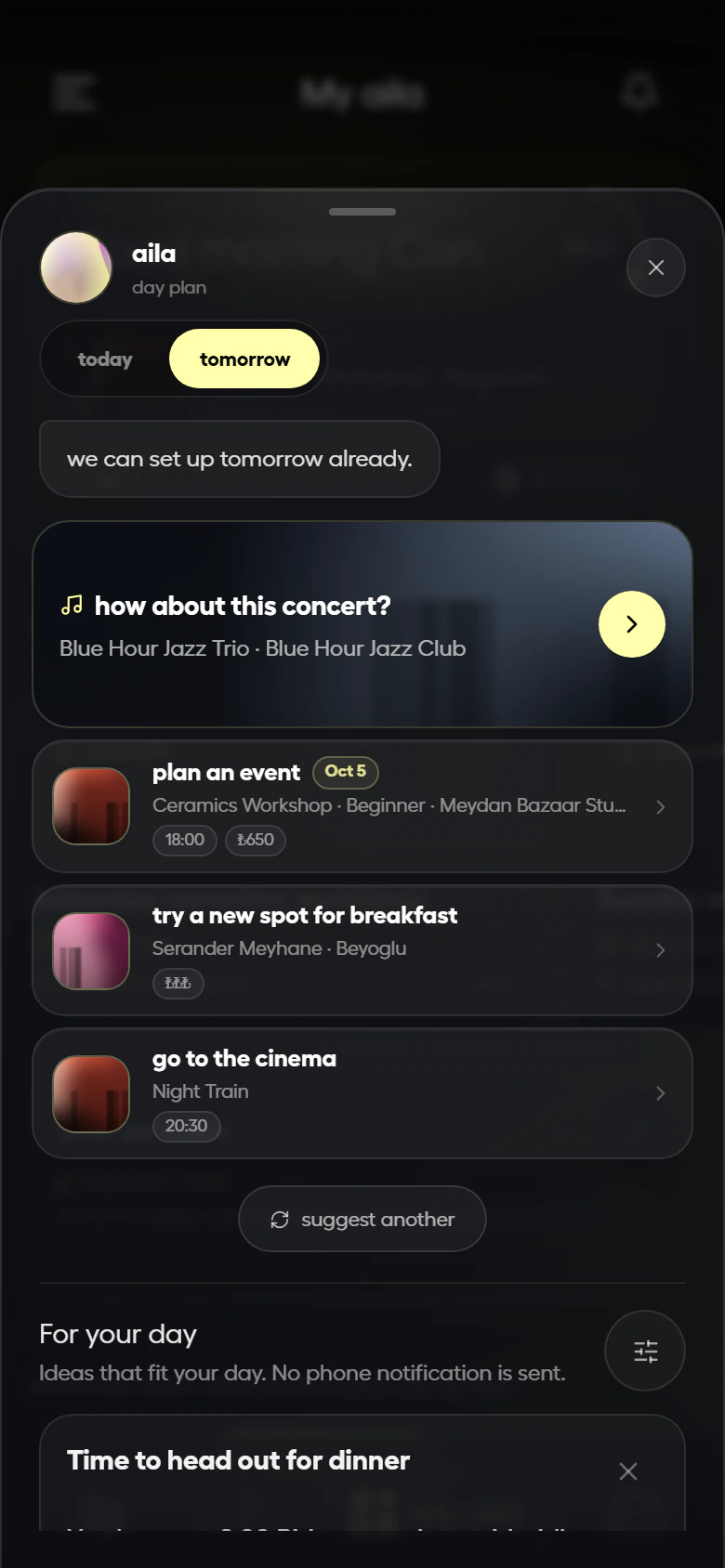
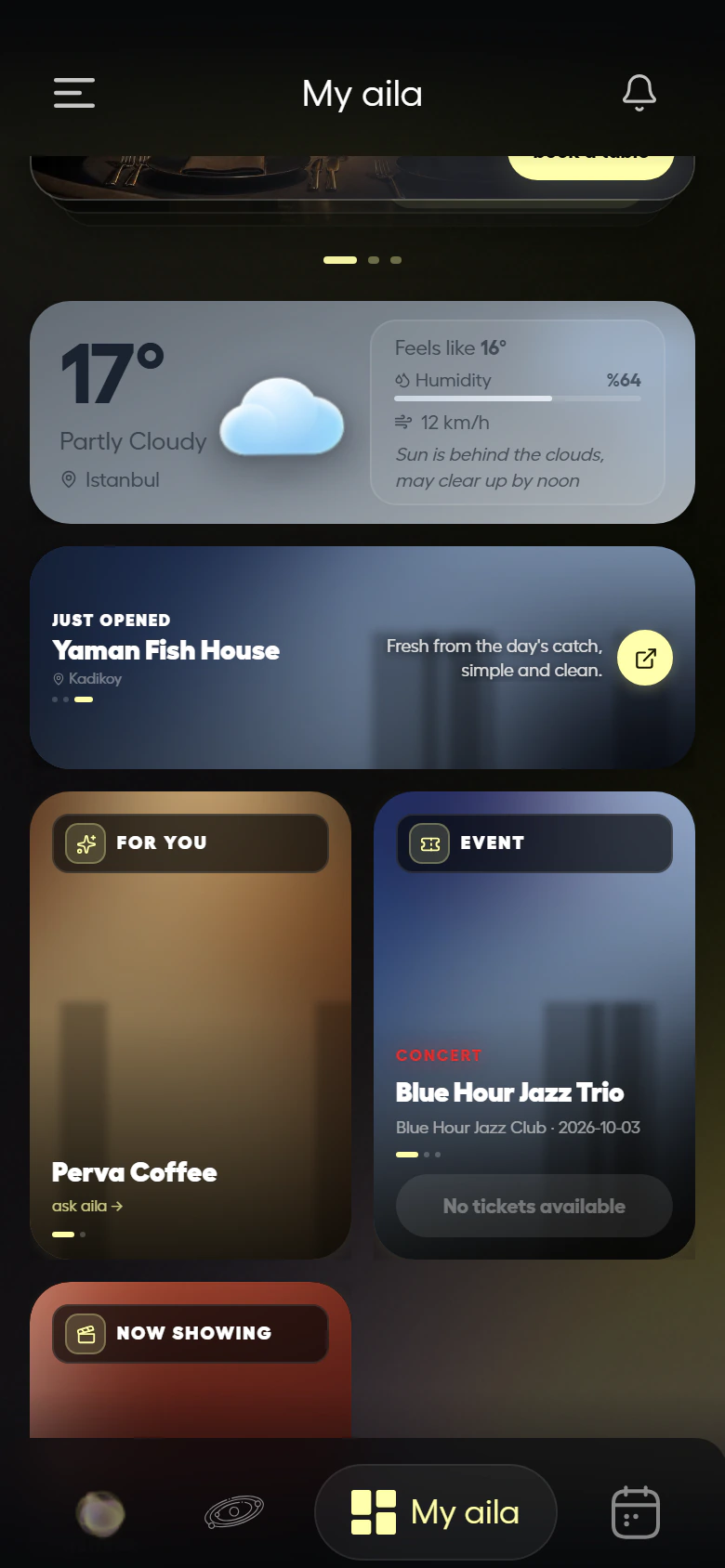
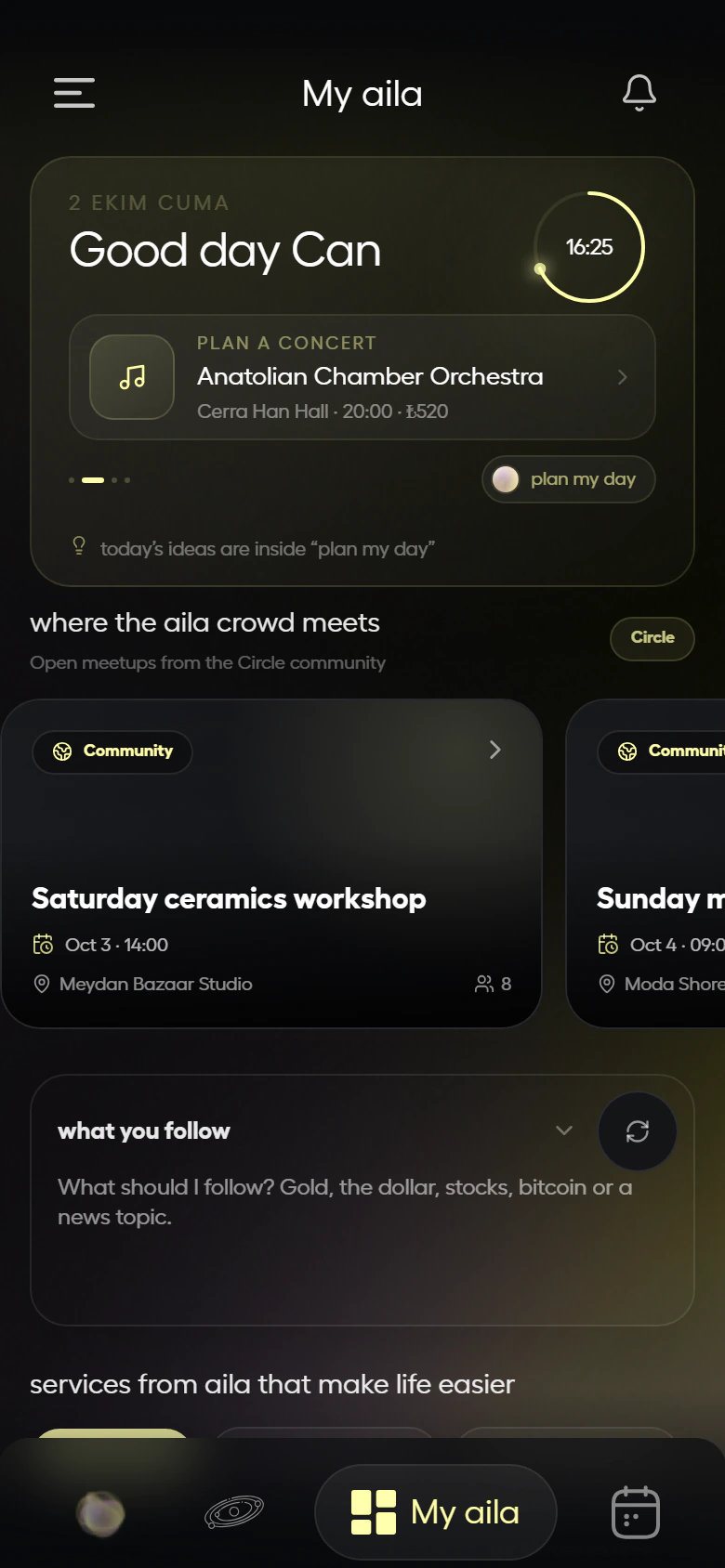
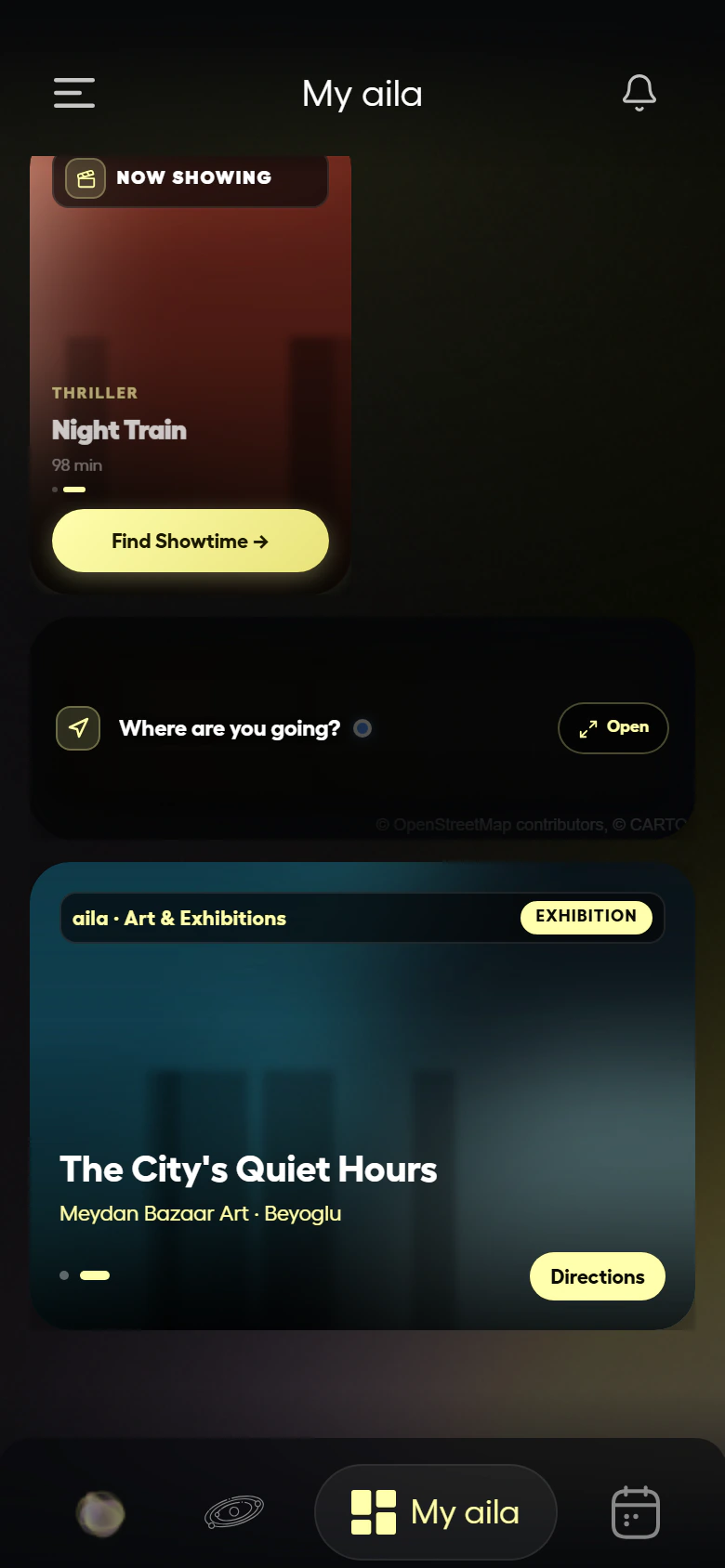
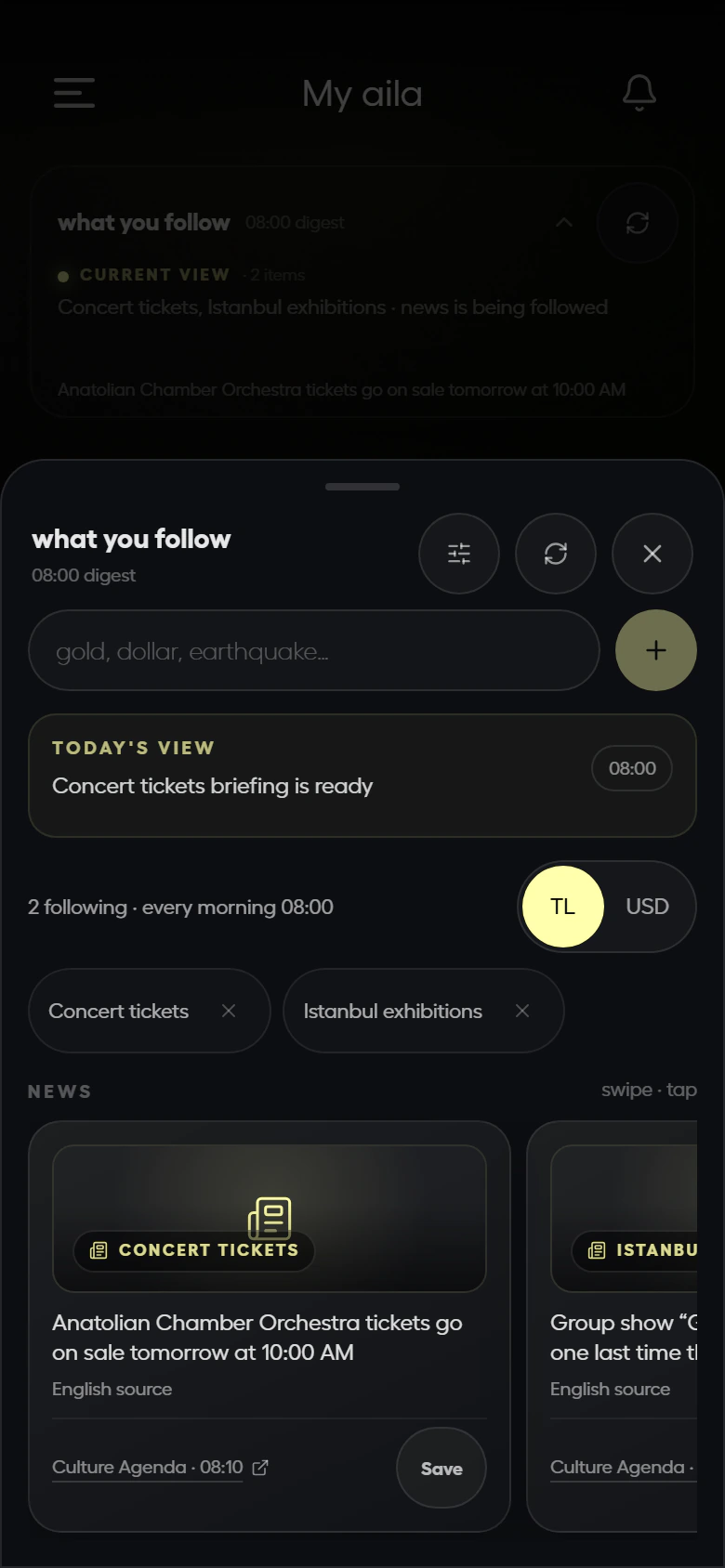
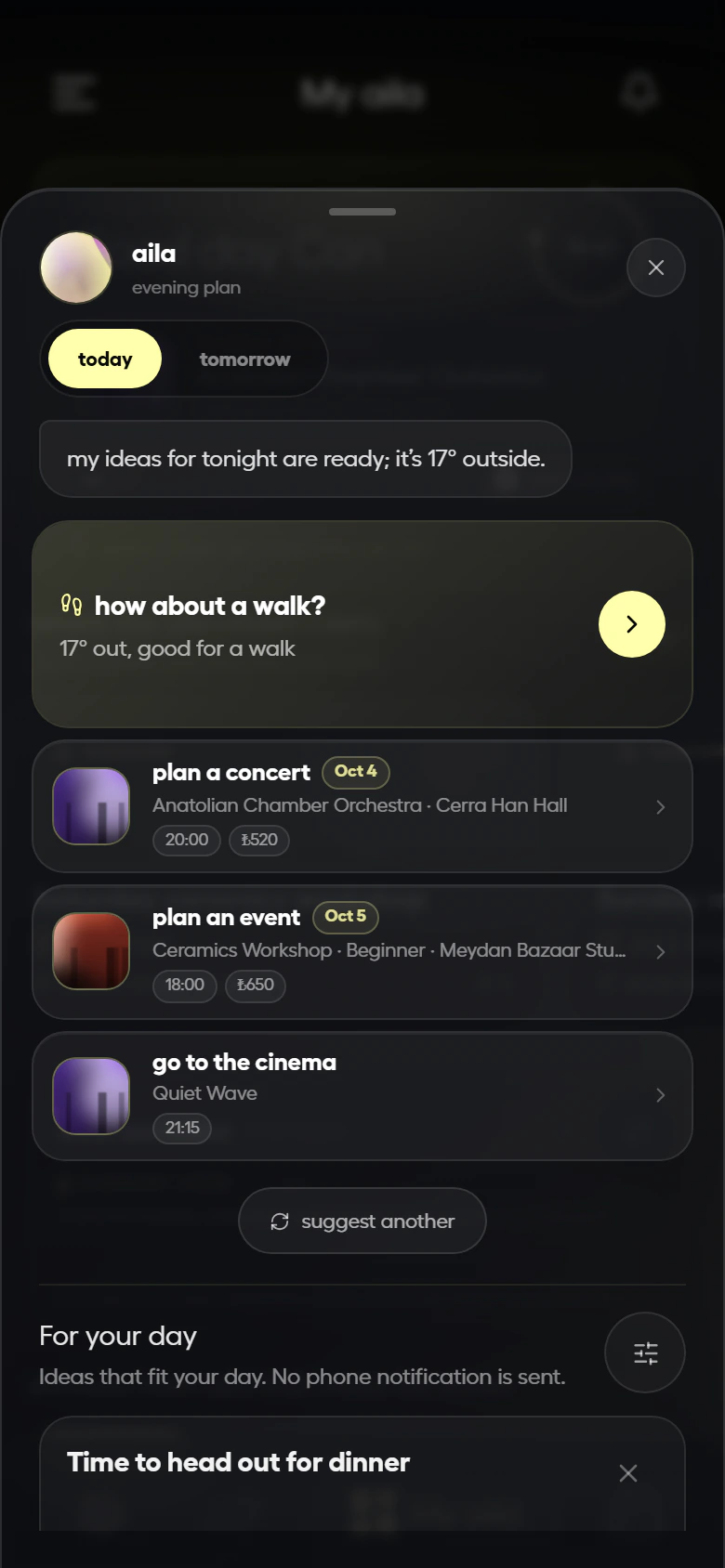
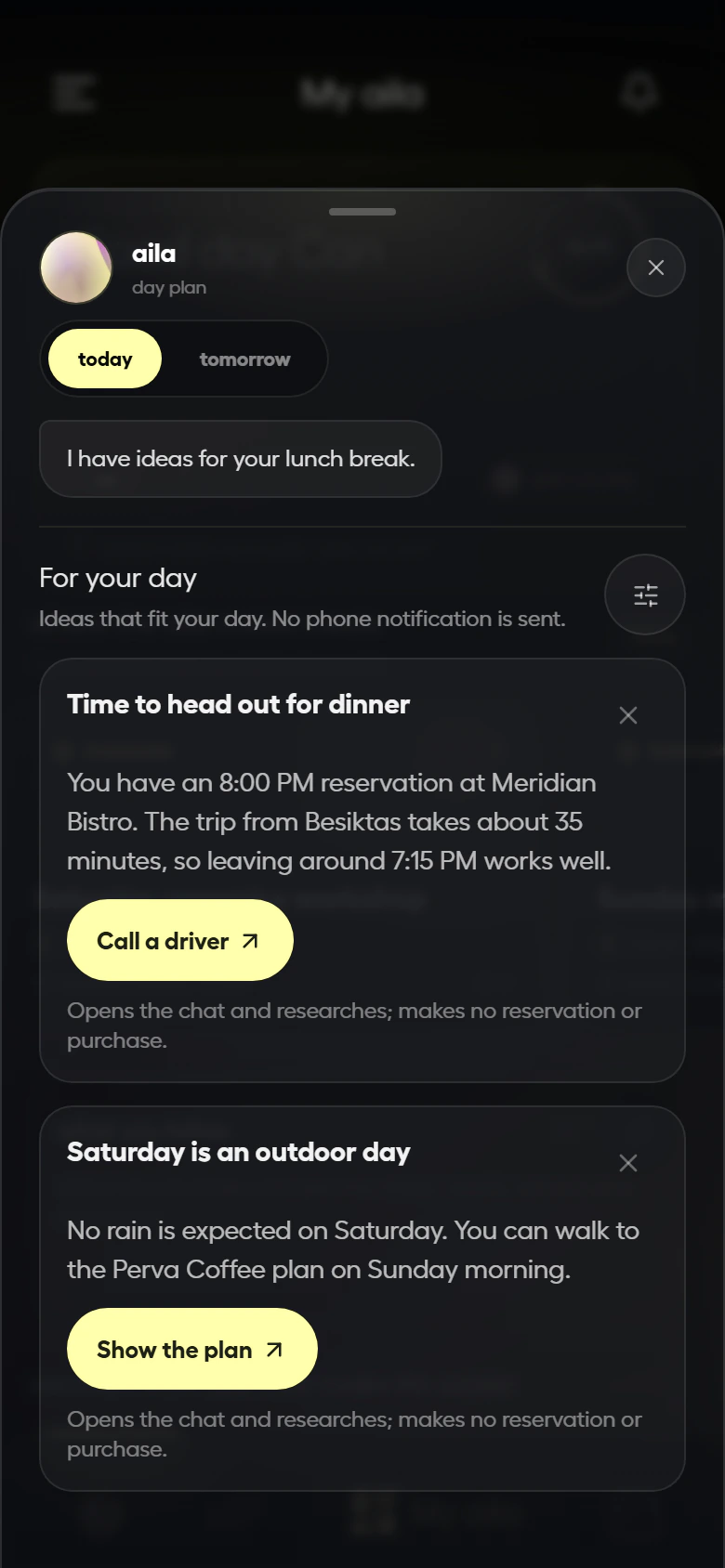
From tracking to services, everything in one app.
Everything aila offers lives in the same tidy interface: tracking, calling a service, calendar, plans with friends and voice.
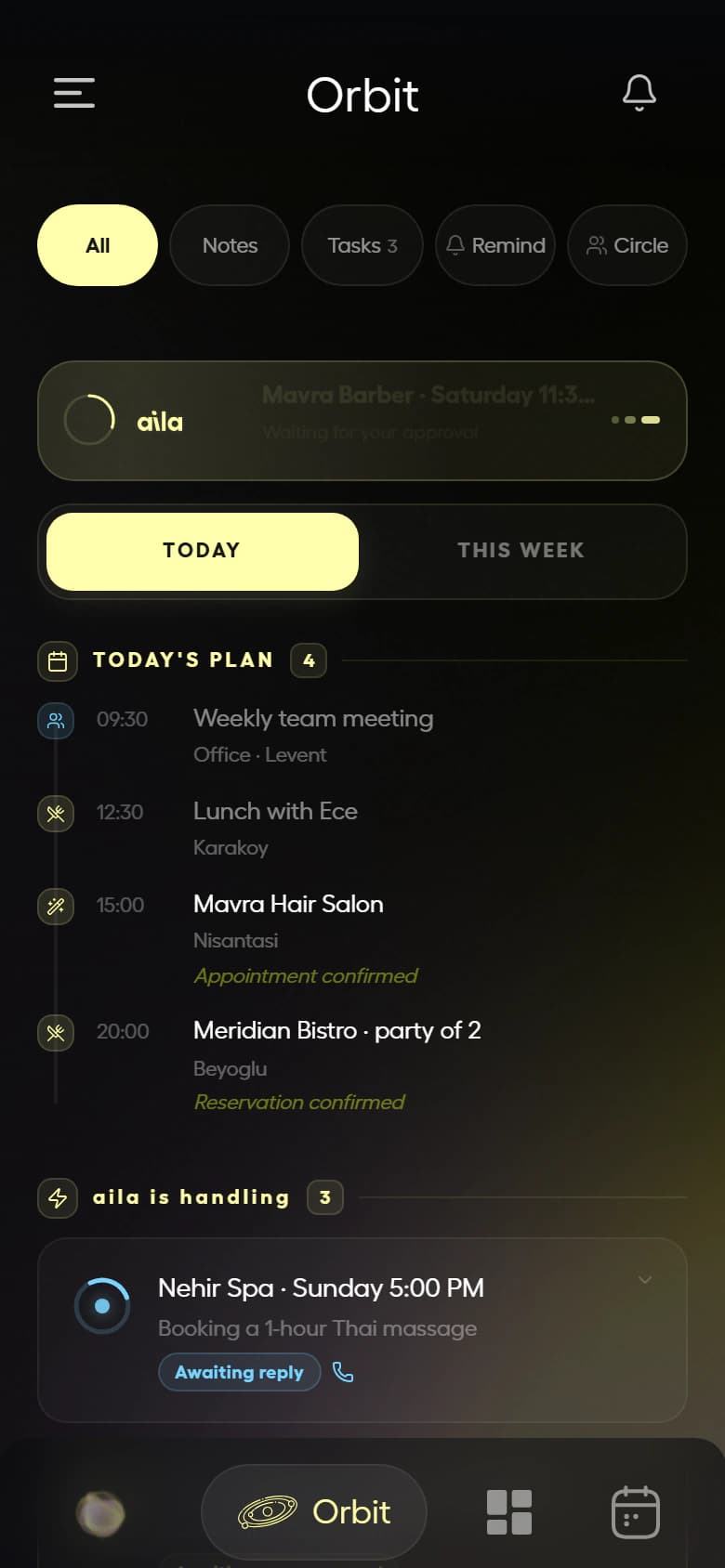
Orbit
Today’s plan and the jobs aila is handling; every status at a glance.
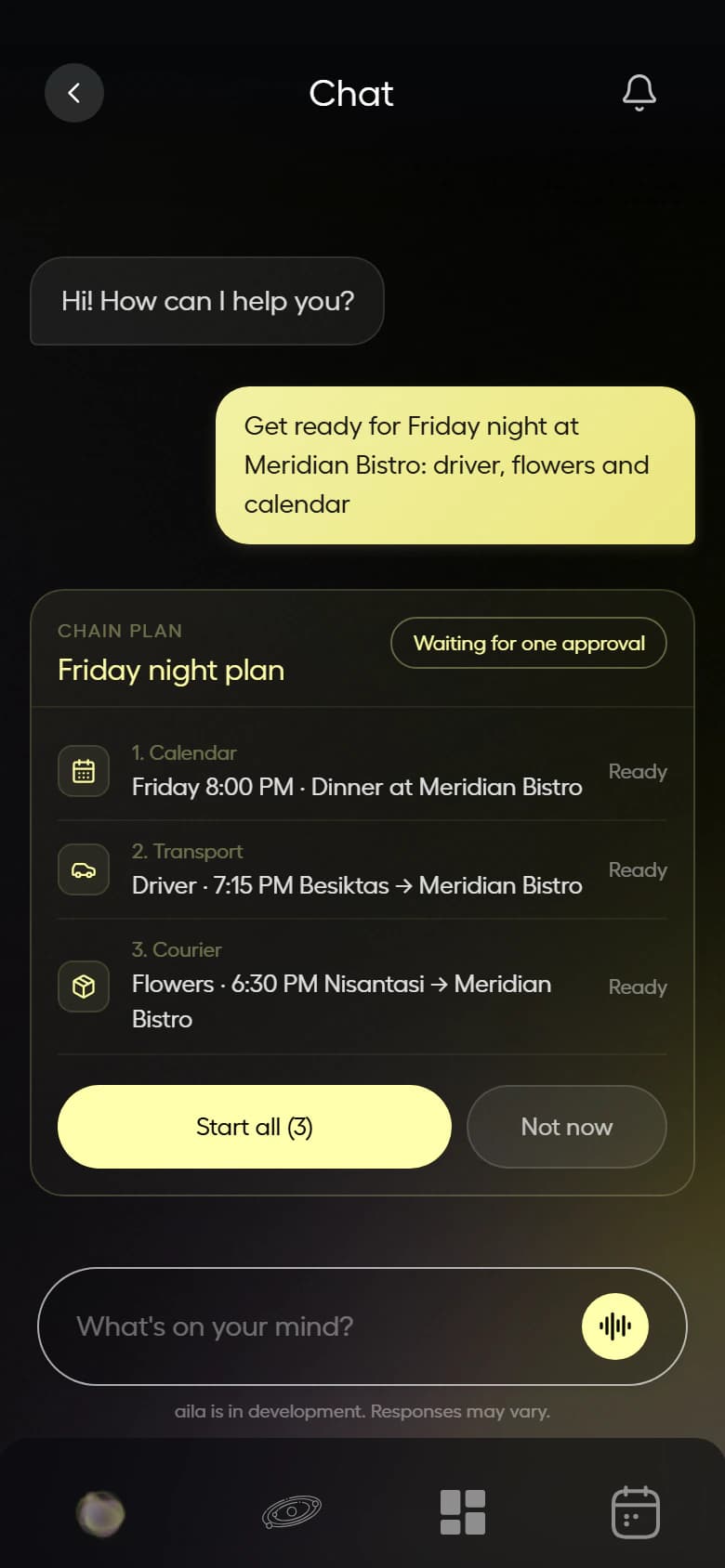
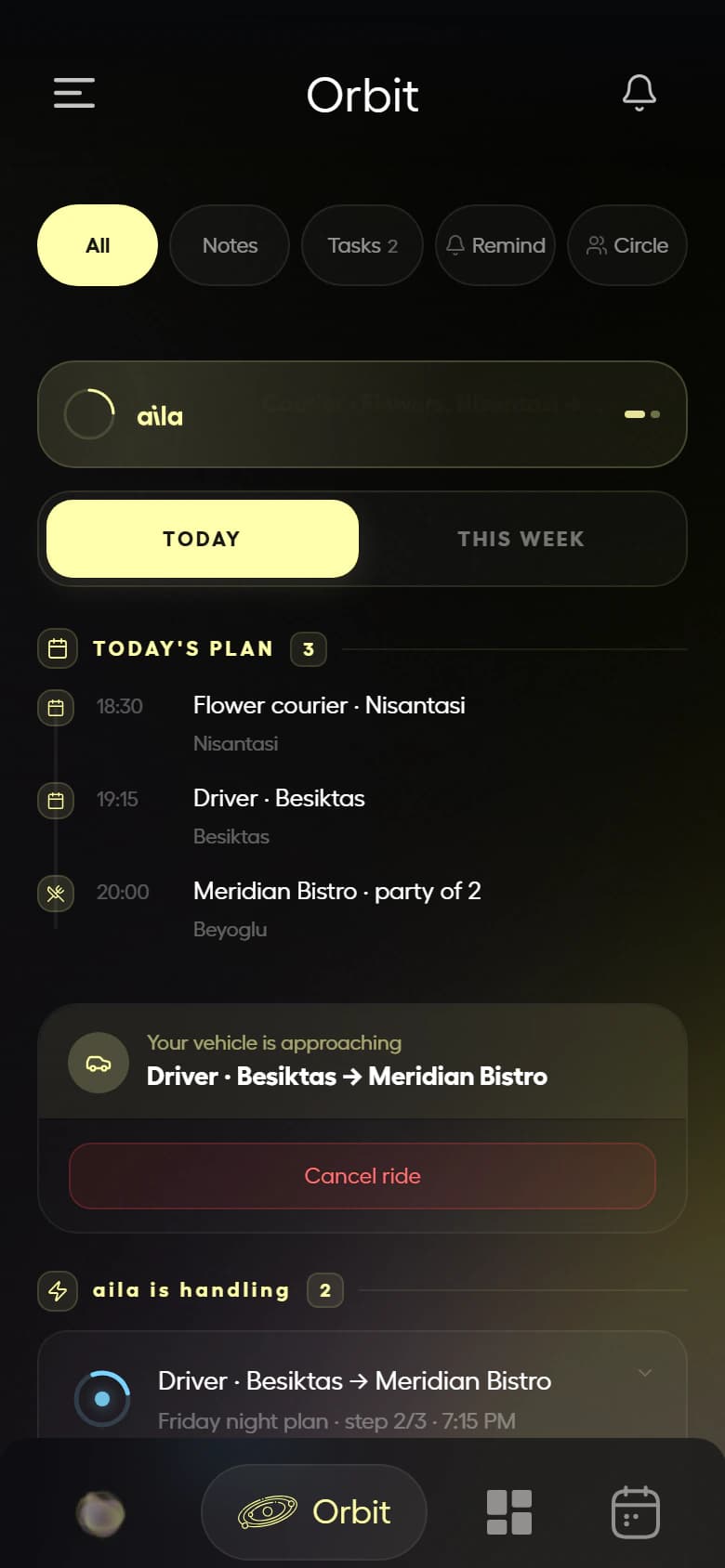
Call a service
A driver, an airport transfer or a courier: aila brings the quote and you approve. You see the car approaching in Orbit and can cancel if you need to.
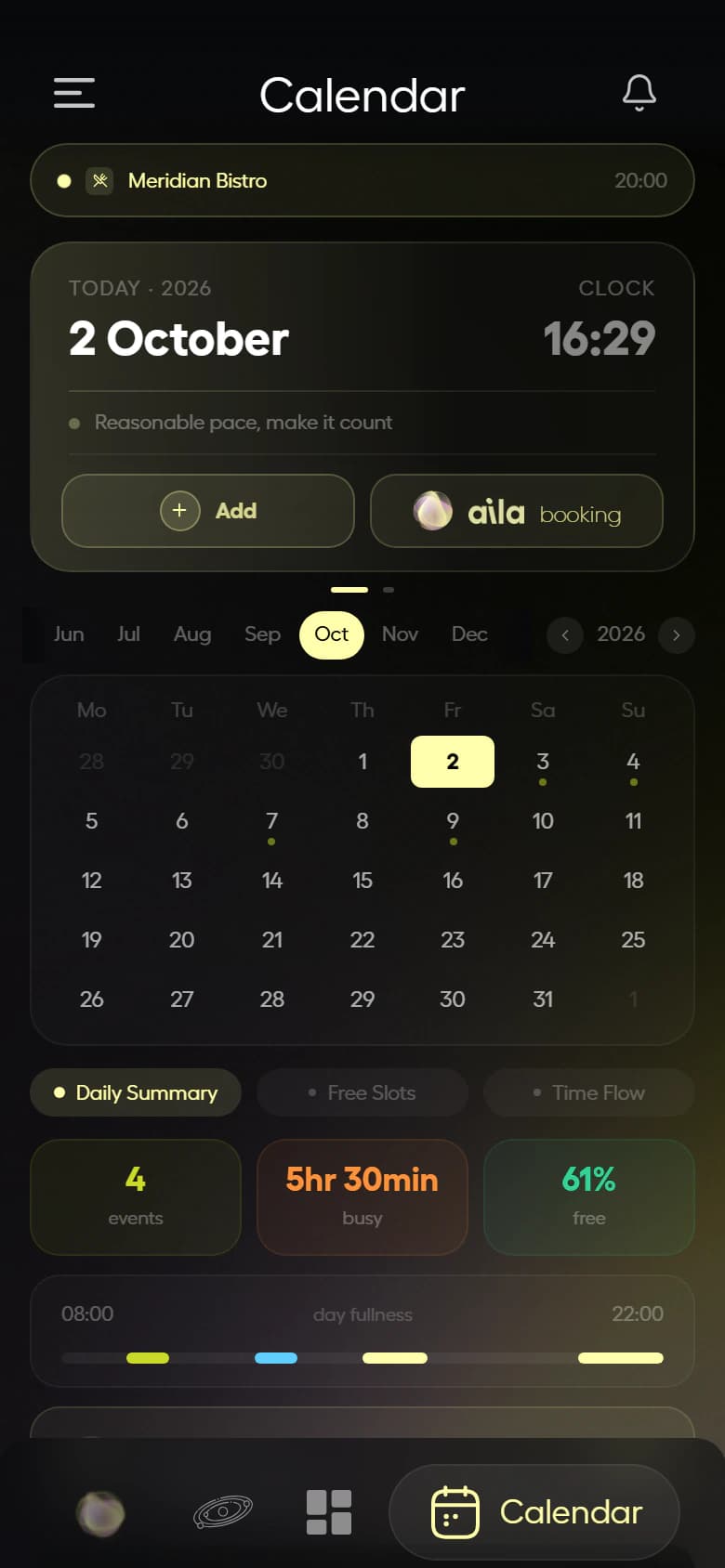
Calendar
Adds and edits events in your Google Calendar; shows how full your day is.
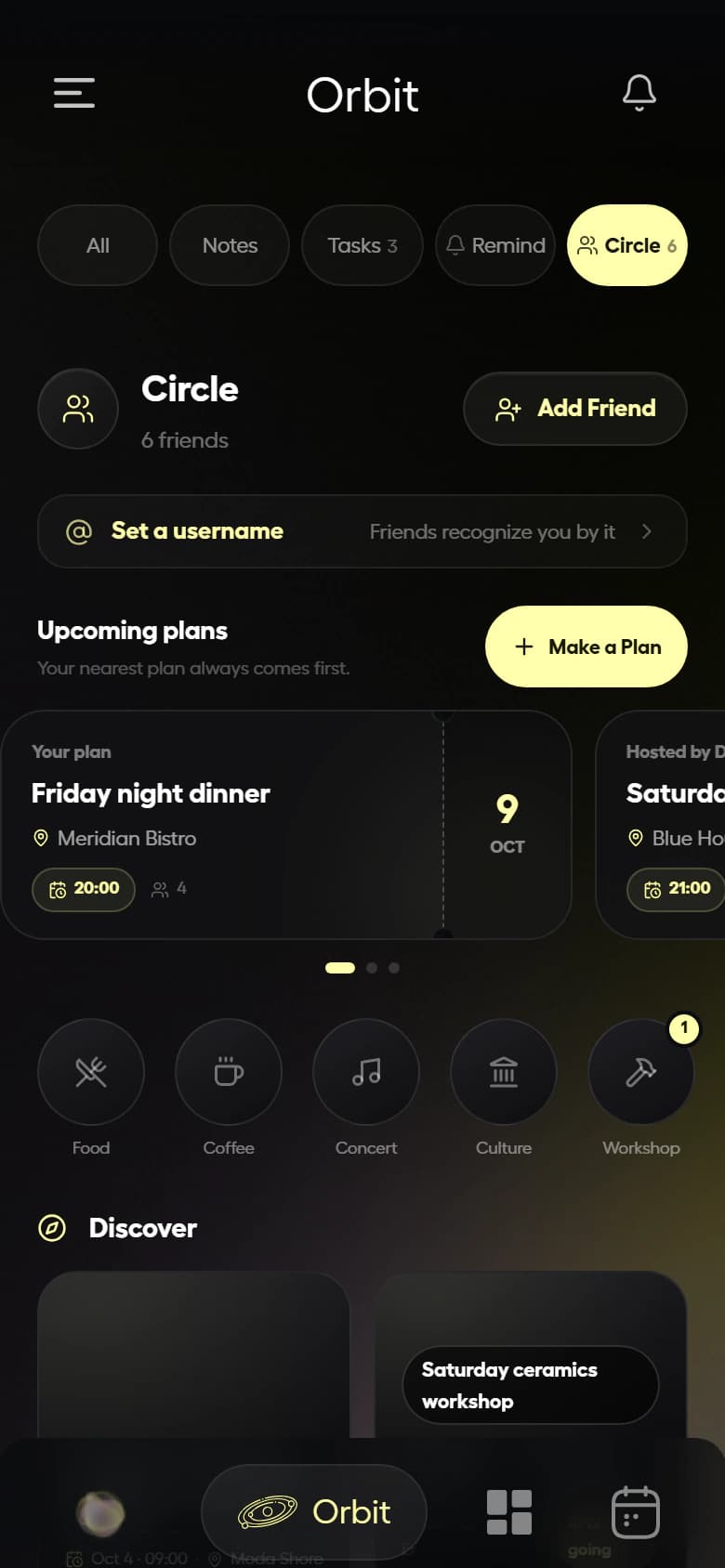
Circle
Make plans with friends. aila suggests the place and time, you publish.
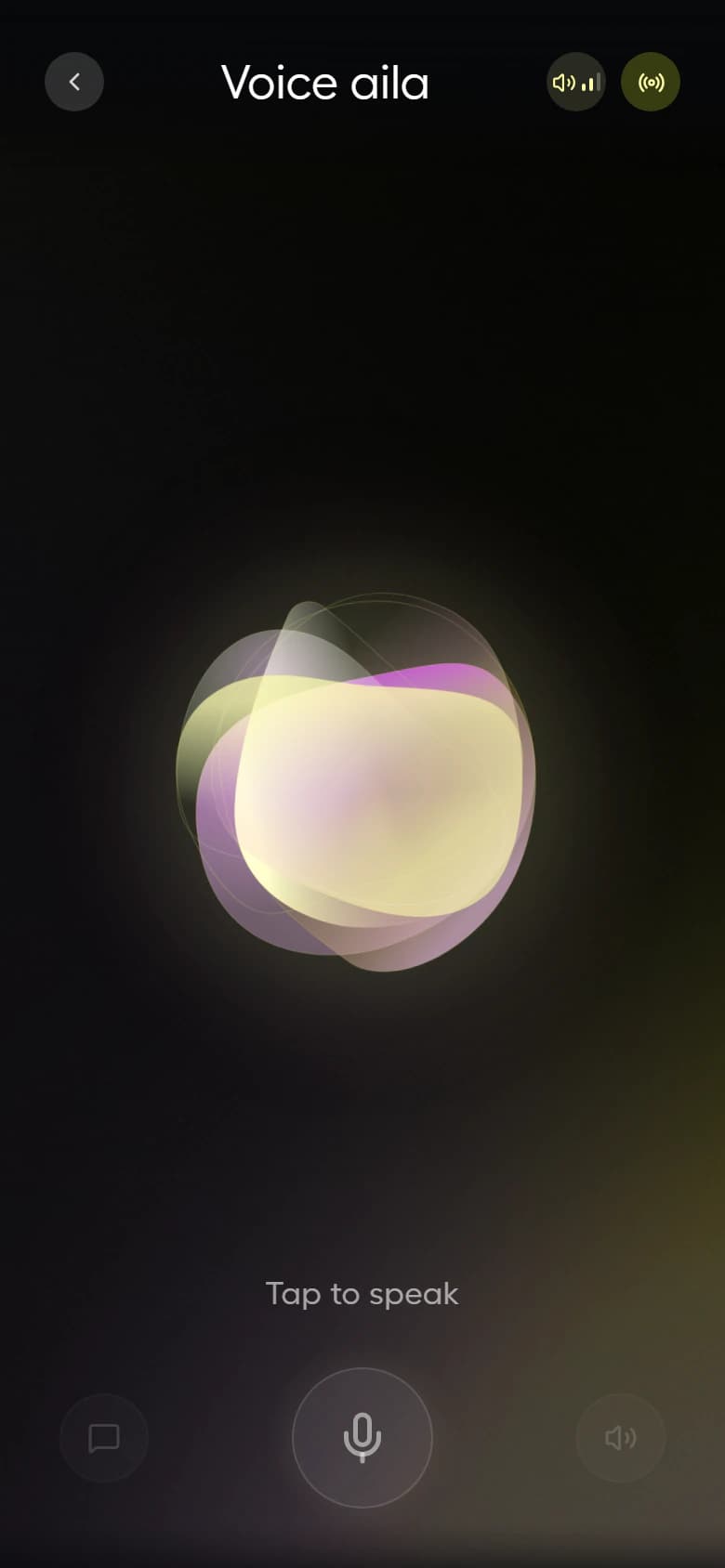
Voice aila
Tap the orb and talk. aila listens, answers and takes your OK out loud.
Hover a part to see what aila remembers there.
It remembers everything, and organizes it for you.
Everything is connected.
What you say in chat lands in your calendar, the jobs aila arranges land in Orbit, plans with friends land in Circle. The feed brings it all together.
It remembers everything.
The places you love, your preferences, past chats and the instructions you gave; you never have to explain twice.
It organizes for you.
Writes your daily brief, reminds you on time, tells you when to leave and suggests things that fit your free moments.
Free within usage limits.
Chat, voice and calls are covered by your weekly free usage quota. You see what’s left in the app.
Use it, get things done. Your quota renews every week.
Ran out? Your quota renews when the new week starts and you pick up where you left off.
Service fees are separate
Driver, transfer or courier fees go to whoever provides the service. Price and cancellation terms are in the quote; nothing is final until you approve.
Explore aila.
From the world of AI assistants and AI that takes action.
Can AI make phone calls for you?
Yes, some AI assistants can phone for you. How it works, what it can and cannot do, and how approval and transparency should look.
What is an AI agent? What does it do in everyday life?
An AI agent takes steps on its own toward a goal. How it differs from a chatbot and an assistant, everyday examples, risks and who stays in control.
Is an AI assistant safe? A checklist before you choose
Seven questions to ask before choosing an AI assistant: approval, self identification, personal data and consent, voice data, fees, cancellation, human support.
Frequently asked
Calls restaurants, barbers, hairdressers, beauty salons and spas to book for you. Gets quotes for drivers, airport transfers and couriers. Calls a person or business to pass on your message or ask about price and availability. Finds your medicine at the on-duty pharmacy and has a courier pick it up. Manages your calendar and sets up plans in Circle.
Restaurant reservations →Barber appointments →Hair and beauty appointments →Airport transfer →Services →
Yes. It introduces itself as your AI assistant and asks for your OK before calling. It never leaves voicemail.
No, it never commits money on your behalf. It passes on your budget, asks about price and availability, and brings back a comparison. If your time is taken it books the closest slot within your window; anything outside it, and every price decision, is yours.
aila makes the calls. Drivers, transfers and couriers are real people. If a job gets stuck, our team checks it.
No. It never decides on its own about things you haven’t instructed. Calls, quotes and bookings aren’t final without your OK.
Chat, voice and calls are covered by a weekly free usage quota. You see what’s left in the app; your quota renews every week. Service fees are separate and shown in the quote.
Restaurant, barber, hairdresser, beauty and spa bookings; a driver in your own car; Istanbul and Sabiha Gökçen airport transfers; city courier; finding your medicine at the on-duty pharmacy and having a courier pick it up.
Airport transfer →Private driver →On-duty pharmacy and courier →Restaurant reservations →
If the line is busy or nobody picks up, it tries up to two more times a few minutes apart. If it can’t get through, it lets you know.
Tap “Cancel” on the task card. If a call is in progress, the cancel is processed as soon as it ends. To cancel a booking, aila calls the venue. For drivers and couriers, cancellation terms are in the quote.
In the Privacy Policy and the Privacy Notice. You can send requests to info@myai.la; under Turkish data protection law (KVKK) they are answered within 30 days at the latest.
You ask, aila handles it.
Just say it.
- 1
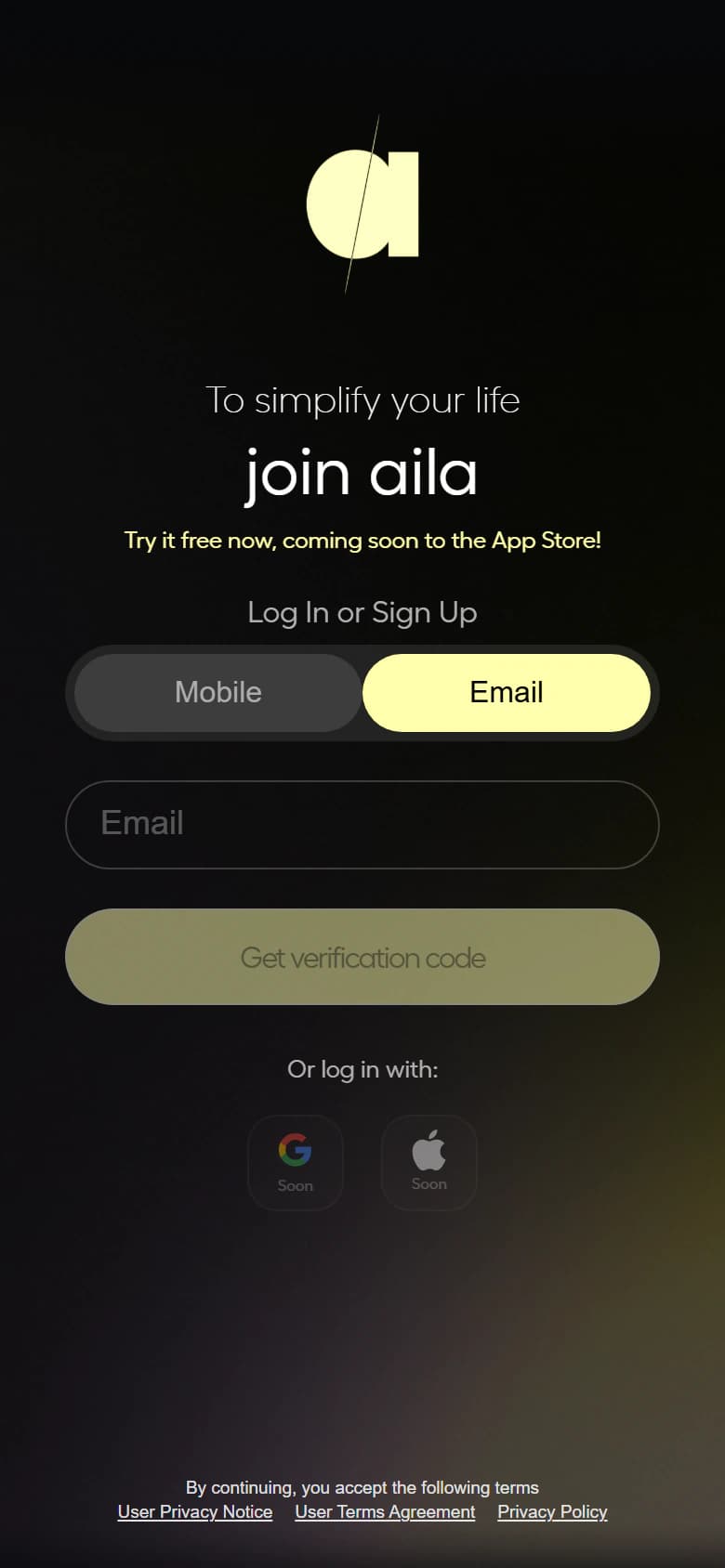
Sign up: with your phone or e-mail.
- 2
Get access: right away with an invite code; otherwise we’ll tell you when you’re approved.
- 3
Add it to your home screen if you like: it works in the browser too.